
How to get an accurate PCB assembly quote, first time
The five inputs that move a PCB assembly quote, the BOM fields engineers actually check, and how to avoid a revision loop before you commit.
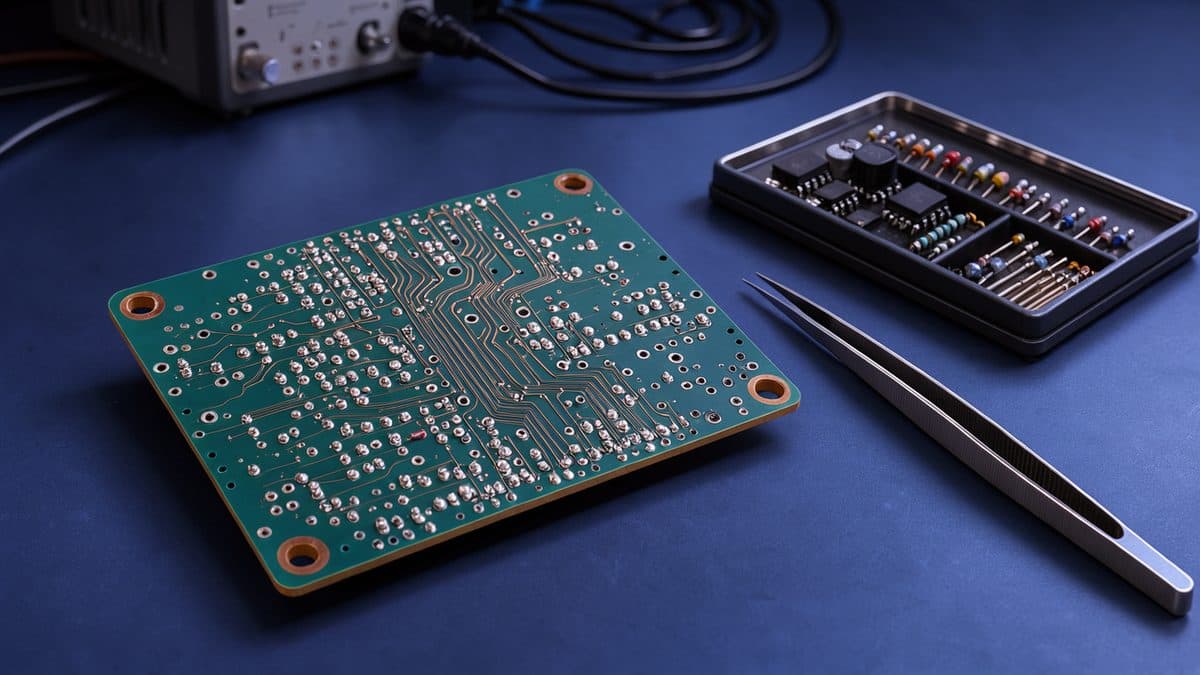
Most assembly quotes do not change because the supplier is being difficult. They change because the job that arrives on the line is not the job that was priced. A missing paste-mask layer, an ambiguous BOM line, or a quantity that quietly doubles after the first article is built will all move the number.
The fix is not a longer form. It is sending five specific inputs in a form the engineering team can check quickly. Use the instant assembly calculator for a budget figure, then use this guide to make the final quote stick.
1. Quantity, and the quantity after the prototype
Assembly pricing has two parts: a one-time setup charge and a per-board build charge. The setup does not shrink when you order one board, so a five-board run carries the same setup as a twenty-board run. That is normal, not a penalty.
What matters is giving us both numbers:
- How many boards you need now.
- How many you expect to need if the design passes.
The calculator shows base and double quantity at both turnarounds, which makes the step from a prototype to a small pilot run visible before you commit. If a panel or a larger part order would make the next quantity cheaper, an engineer can flag it during review.
2. Placement count and part mix
The build price scales with the number of placements and the type of package. A 0603 resistor and a 0.4 mm pitch QFN do not take the same time, stencil, or inspection.
Tell us the totals per board for:
- SMT placements
- Through-hole parts
- Fine-pitch parts (lead pitch below 0.021 in)
- Leadless packages such as QFN and DFN
- BGA and uBGA
If you only know the BOM and the board, that is fine: the placement counts can be derived during review. But the closer the submitted counts are, the closer the first number is to the final number.
3. Unique part count is a setup input
Ten thousand resistors are not the same setup problem as ten thousand different line items. Every unique part needs a feeder position, a reel or tray check, and a line in the BOM-to-placement cross-check.
Our published setup includes 30 unique parts. Beyond that, each additional unique part carries a small setup increment. If your design has 80 line items, say so. It is better to see that in the quote than discover it after the BOM arrives.
4. Sourcing model: kitted, turnkey or mixed
The assembly price does not include components, so the sourcing model belongs on the enquiry even when it does not change the build number.
- Turnkey: we source the parts against your BOM.
- Kitted: you send the parts; we assemble.
- Mixed: you supply the expensive or long-lead parts and we source the rest.
Turnkey and mixed quotes need a BOM review before component cost can be confirmed. A kitted quote still needs the BOM so we can check what is arriving against what the board expects. More detail: kitted vs turnkey assembly.
5. Test and documentation requirements
Electrical test on bare boards and functional test on assembled boards are different services.
For functional test, we need the procedure, pass/fail criteria, firmware if relevant, and any fixture or harness you want used. Saying “tested” on a purchase order is not enough for a repeatable result. For prototypes, it is often better to agree a simple power-up and current-draw check than to invent a test procedure after the boards are built.
The package that avoids the revision loop
A clean submission contains:
- A Gerber package with copper, soldermask, silkscreen, paste mask, drill and outline.
- A BOM with one row per unique part, quantities per board, designators and exact MPNs.
- A drawing or note showing polarity and first-pin orientation.
- Placement counts and quantity, if you have them.
- Any DNP parts and approved alternates.
The Gerber and BOM checklist goes deeper, and there is a BOM template you can send back as-is.
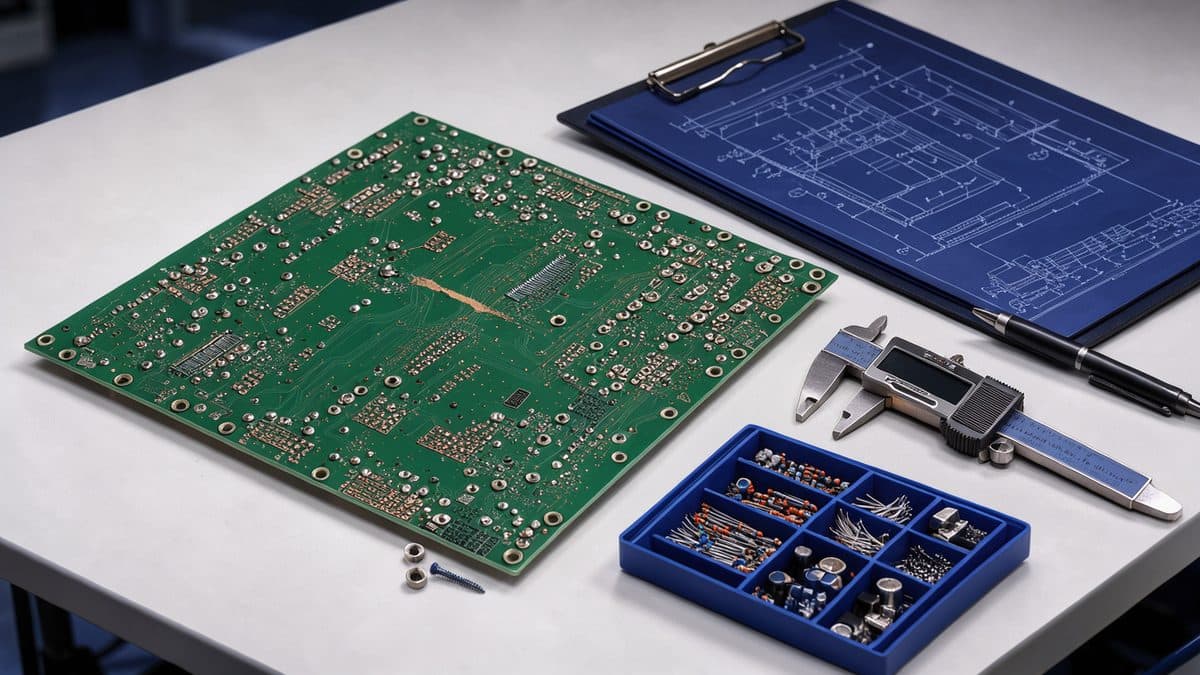
An assembly drawing beside the board makes the first-article check faster.
What happens after you submit
Every online submission is stored with a reference and reviewed by an engineer. The indicative price is recalculated from the submitted specification, so the number in the inbox matches what you saw. If a file changes the build, we should be able to explain which input changed and by how much — not send a different number without a reason.
Start with the assembly calculator. It takes about a minute, needs no account, and gives you a reference you can reply to with files.
Keep reading
All articles Files
The Gerber and BOM checklist we run before every PCB build
Most first-article problems are not manufacturing problems. They are missing data. This is the checklist that catches them before a machine is programmed.
Read article Pricing
What actually drives PCB assembly cost (and what does not)
Two boards with the same area can quote very differently. The reasons are visible in the data if you know which inputs the pricing engine is reading.
Read article Sourcing
Kitted, turnkey or mixed: choosing a PCB assembly sourcing model
Who buys the components changes the risk, the paperwork and the lead time. Here is how to choose without optimising for the wrong number.
Read article